WLMOUSE Beast X V2 Dongle: The Touchscreen BEAST HUB
The changes to the Beast X V2 mouse itself are pretty slight. The dongle got a full redesign, and it is awesome.
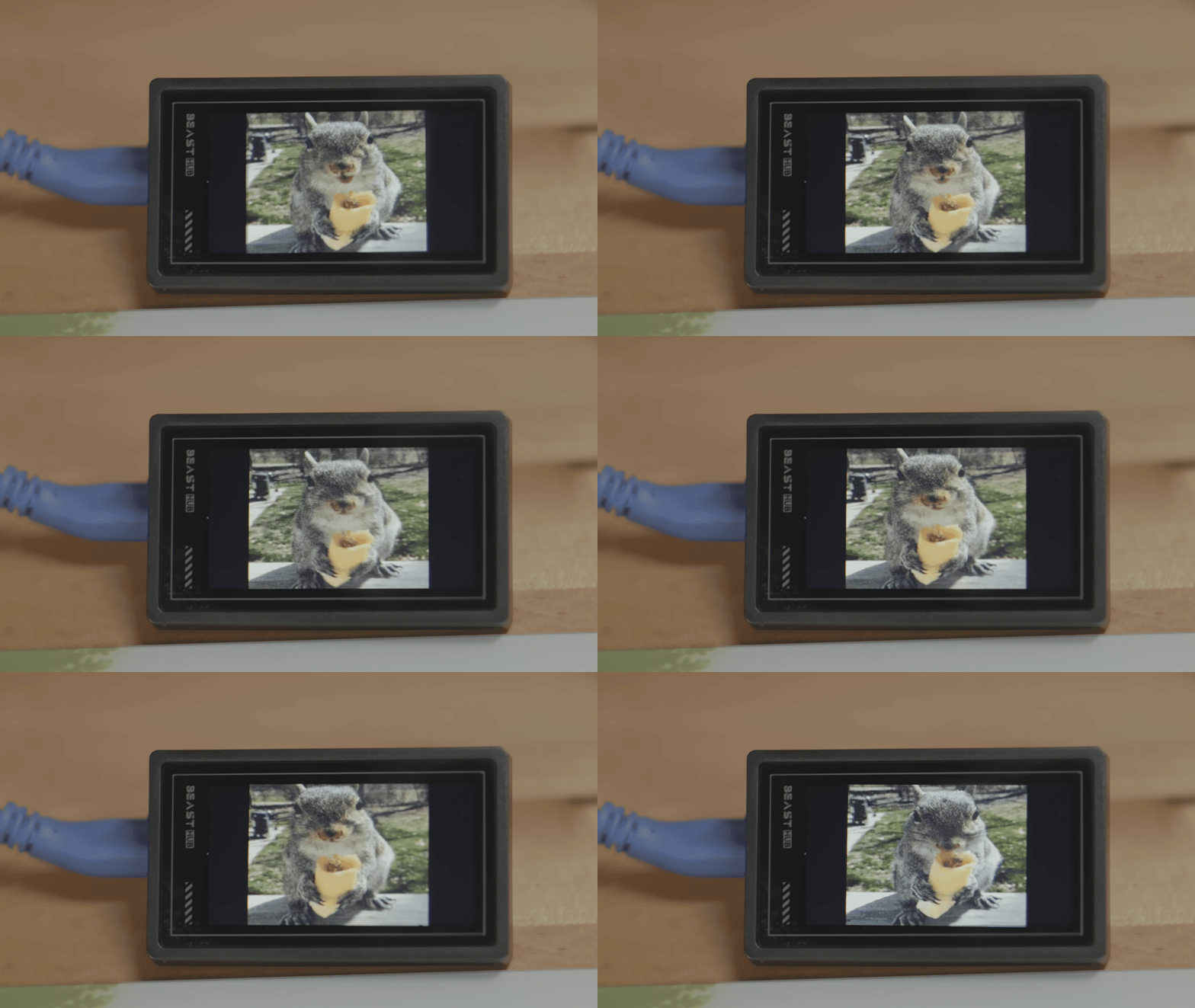
For the shell, weight and switch changes, see WLMOUSE Beast X V2 vs Pro: What Changed? This post is just about the dongle. You can also see it in action in my Beast X V2 Mini review.
This is hands down the coolest dongle that I own, and I hope this becomes WLMOUSE’s new standard.
What it is
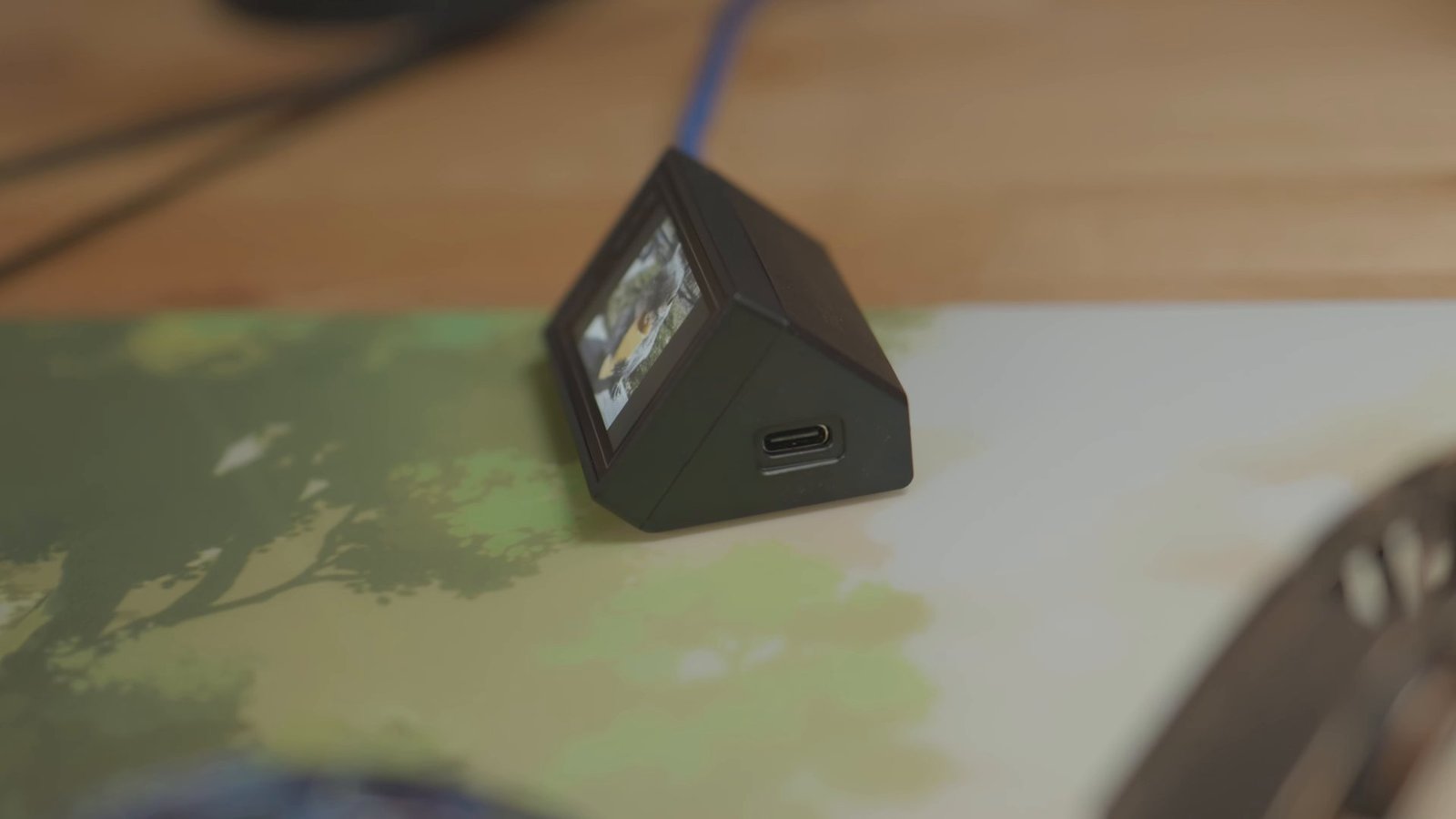
WLMOUSE calls it the “8K + Touchscreen Display Receiver + HUB” on the official V2 product page, and it comes in the box with every Beast X V2. The bezel has “BEAST HUB” printed on it. It is the 8K wireless receiver for the mouse, a small touchscreen, and a USB hub in one wedge-shaped block that sits on your desk.
The touchscreen
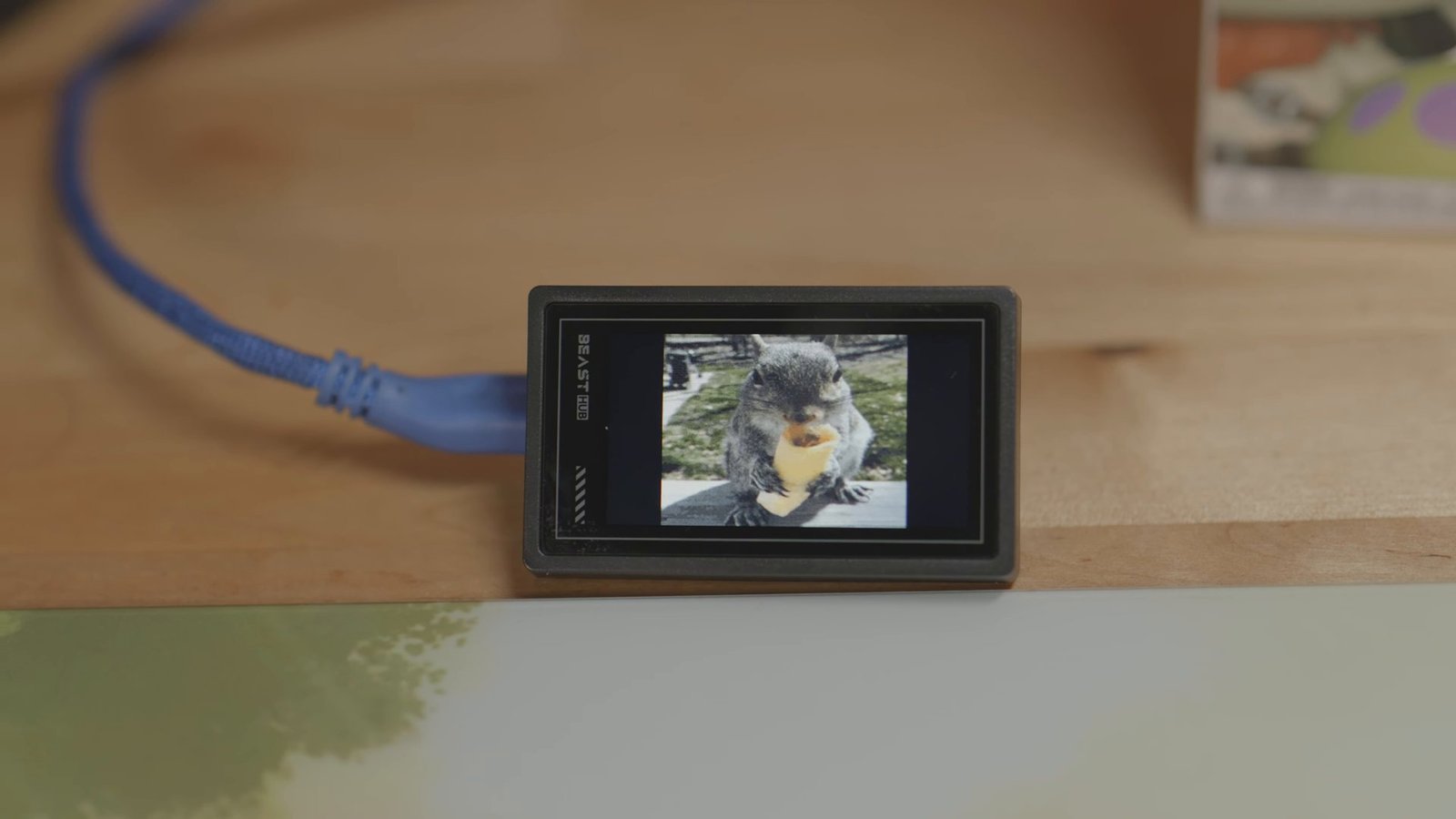
I love being able to verify my settings or set a GIF on the screen. It is a touchscreen, and it actually feels fairly speedy to navigate considering it is just a mouse dongle. The menus are responsive.
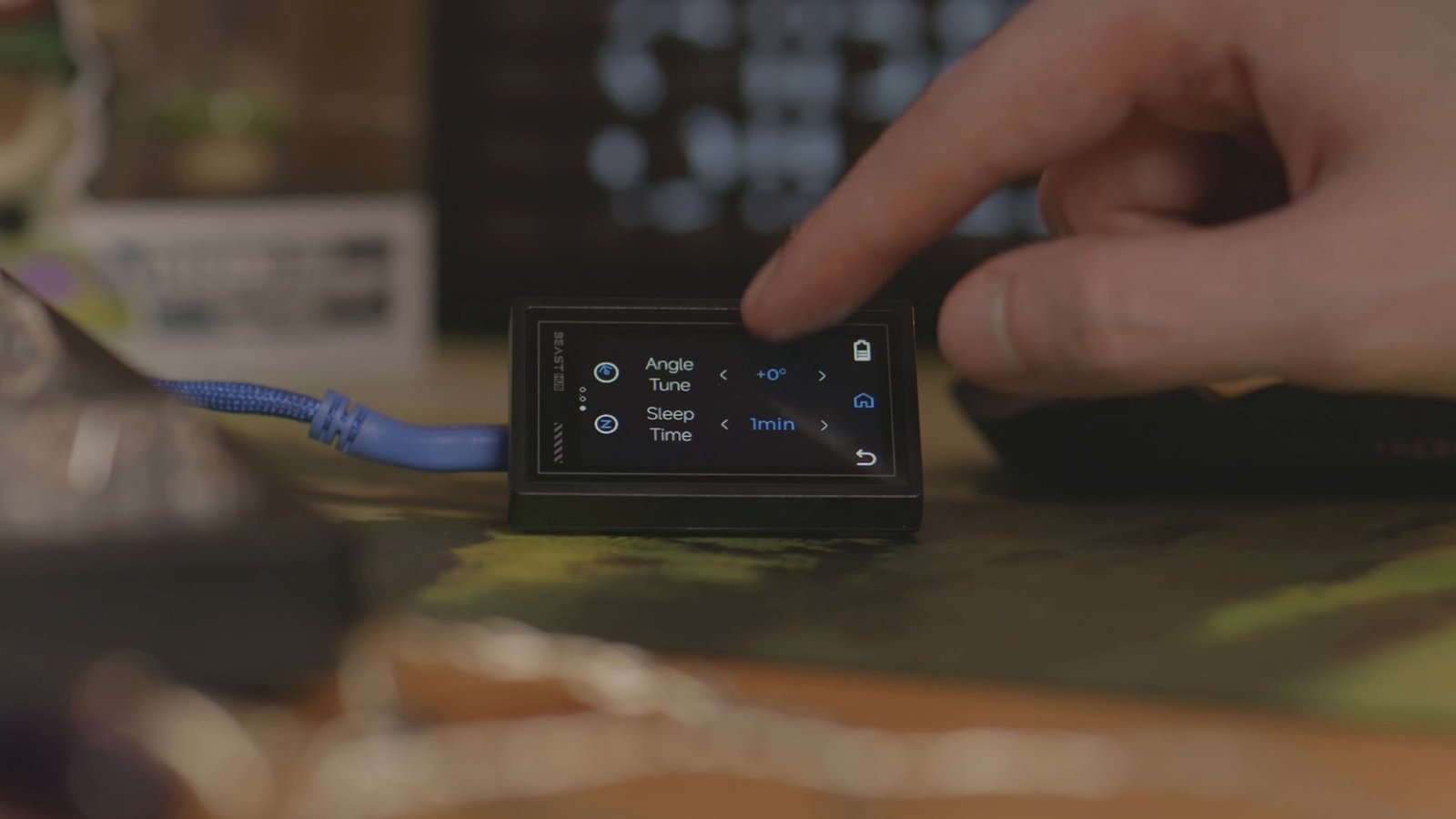
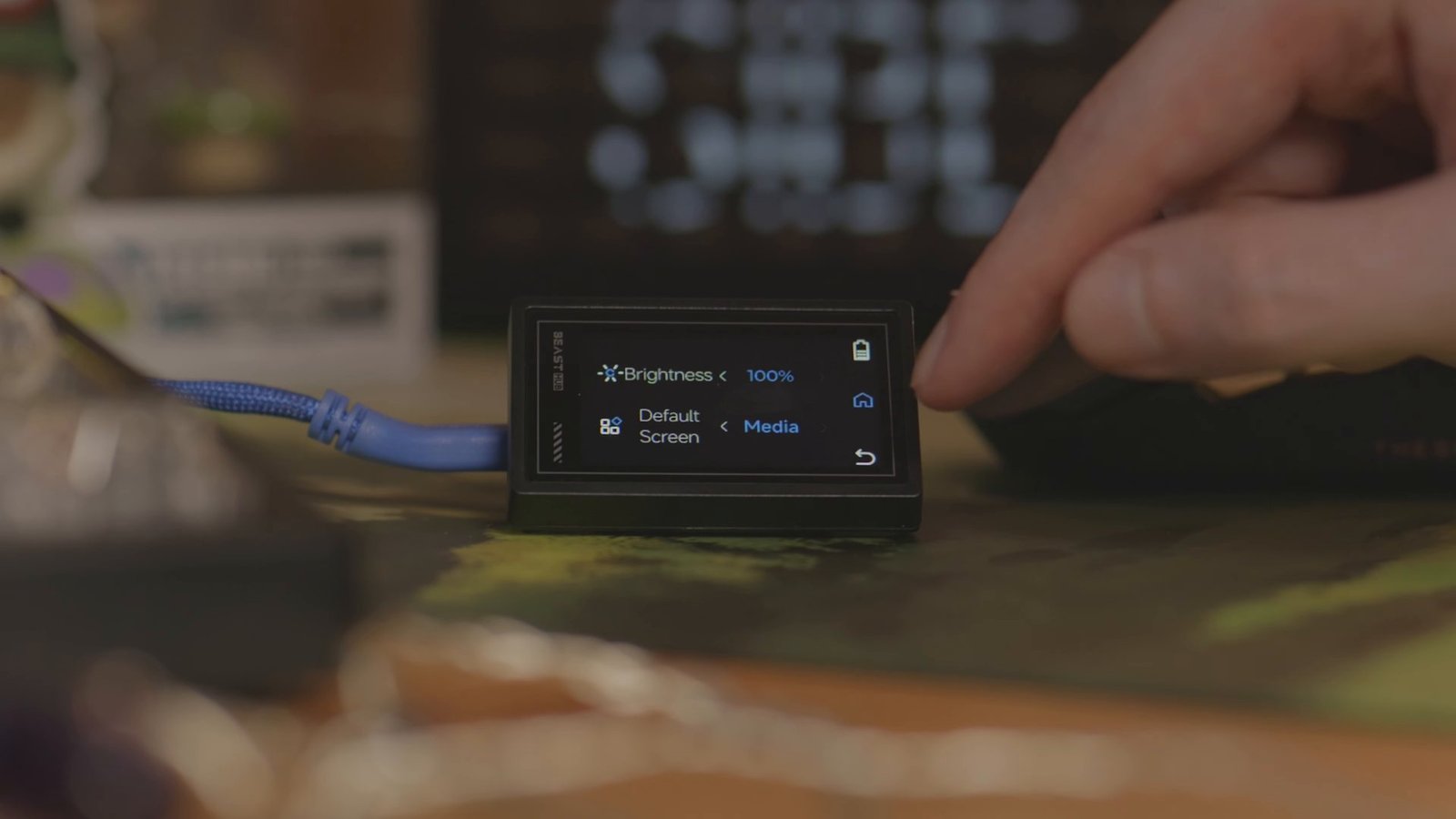
The home screen splits into Settings and Performance. The menus include Angle Tune, Sleep Time, Brightness, and a Default Screen option that can show your own media. Deeper changes still go through the WLMOUSE Web-hub.

The USB hub
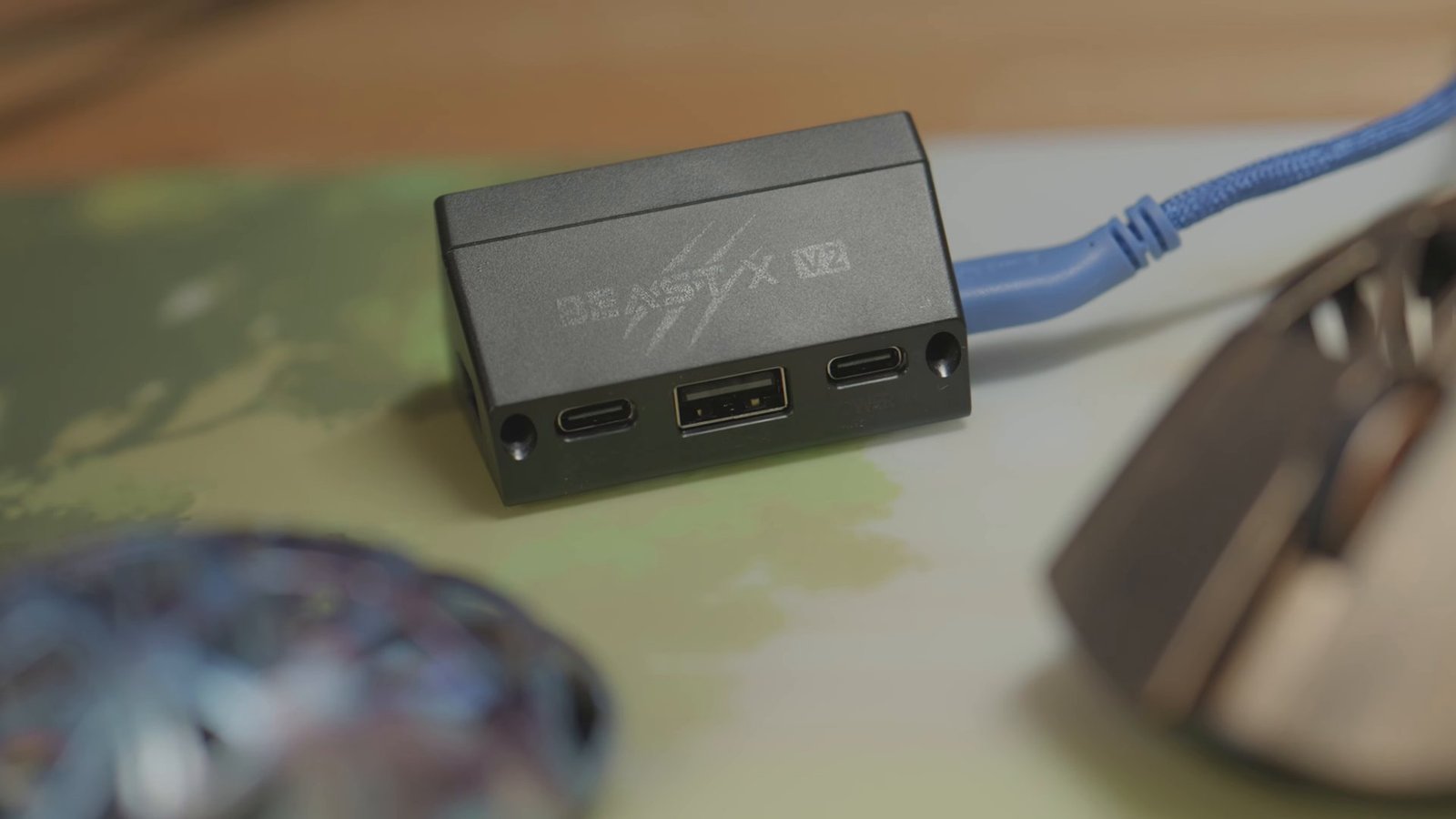
The dongle even has additional USB ports. The back is engraved with the BEAST X V2 logo and has three ports: USB-C, USB-A and USB-C. There is another USB-C port on the side. One of the rear USB-C ports is actually a power input (labeled POWER IN), so you can plug in power to make the dongle act as a powered hub.
I have tested it without the power input connected, running an 8KHz keyboard and charging a mouse through the hub, with no issues. That may depend on the power delivery from your motherboard, so if you run into trouble, use the POWER IN port.
Price and affiliate link
The dongle comes with the mouse. On the WLMOUSE Beast X V2 collection, V2 prices start at $159 USD for Silver and White/Red, or $169 USD for White/Pink, Black/Gold and Graffiti. Size and color availability varies.
Checked November 13, 2026 (ET). Prices are before codes. The US storefront says taxes included; shipping is extra at checkout. Destination duties are unverified.
Affiliate disclosure: If you buy through my WLMOUSE affiliate link, I may earn a commission at no extra cost to you.
Use code SibeSound for 5% off.
If you already have a Pro and the mouse changes alone do not sell you, the dongle might. It is the biggest upgrade in the V2 box.
Sources: V2 specs and FAQ | Current prices | Web-hub | My V2 Mini review.